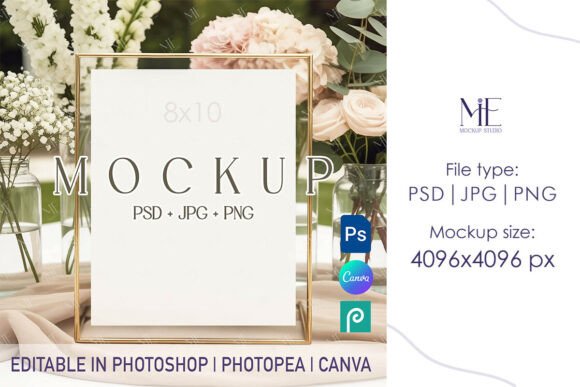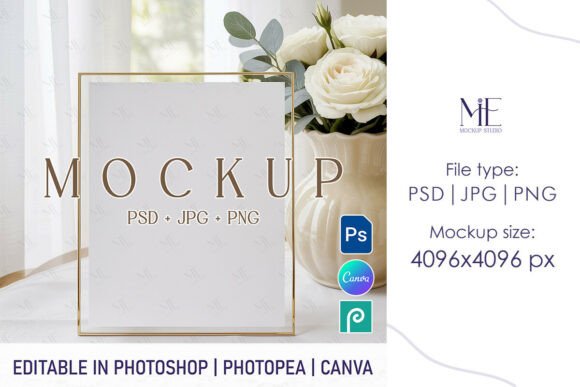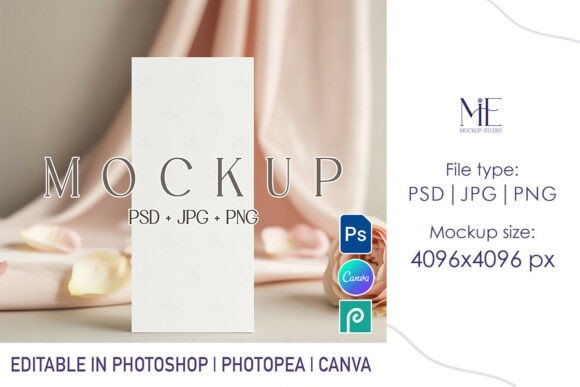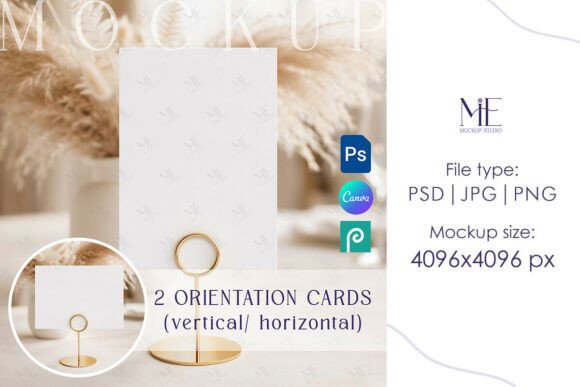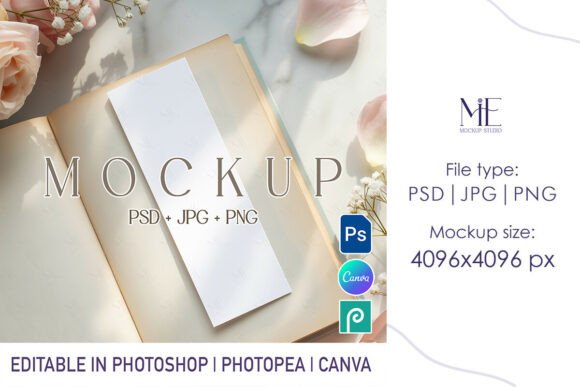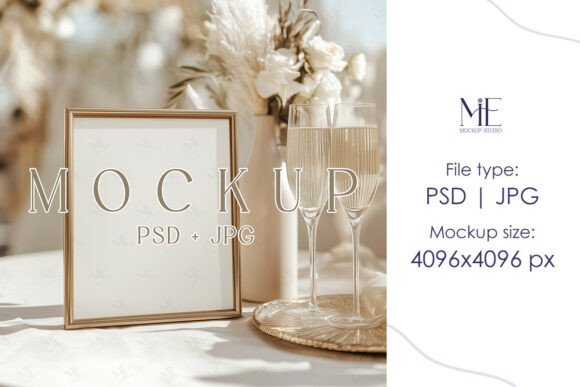
8x10 Wedding Table Sign Mockup Bar Menu Guide
Visualizing a design before it hits the printer or the event space is one of the most critical steps in the creative process. Whether you are a bride finalizing your reception details or a graphic designer presenting a concept to a client, the gap between a flat digital file and a tangible reality can feel vast. This is where a dedicated 8x10 Wedding Table Sign Mockup Bar Menu becomes an indispensable tool. It bridges that gap, offering a realistic preview of how typography, color choices, and layout will look when printed on cardstock and placed on a table.
At its core, this resource is a digital template—specifically a PSD (Photoshop) file—that allows you to insert your own artwork into a pre-lit, high-resolution photograph of a physical sign. The result is a seamless blend of your design and a real-world environment. Because these files utilize Smart Object layers, the integration is automatic; you do not need to be a Photoshop wizard to achieve professional results. You simply double-click the layer, paste your design, save, and watch as the software applies shadows, lighting, and texture to make your image look authentic.
Why Different Creators Value Realistic Previews
The utility of an 8x10 Wedding Table Sign Mockup shifts depending on who is holding the mouse. For a small business owner selling digital invitations, the mockup is a sales asset. For a couple planning their wedding, it is a decision-making aid. Understanding these distinct perspectives helps clarify why investing time in finding the right template matters.
For Graphic Designers and Freelancers:
Professionals know that clients often struggle to visualize static JPEGs. A flat image of a bar menu might look good on a screen, but it lacks context. When a designer presents a concept using a realistic Bar Menu Frame PSD, the client immediately understands scale, material quality, and aesthetic fit. This reduces revision rounds and builds confidence. The priority here is presentation and commercial value. A high-quality mockup can justify higher pricing by elevating the perceived value of the design work itself.
For DIY Brides and Grooms:
Couples managing their own wedding stationery often face "analysis paralysis." They have a Canva template ready but aren't sure if the font size is readable from three feet away or if the background color clashes with the table linens. Using a mockup allows them to test these variables without wasting money on test prints. Their primary focus is cost efficiency and clarity. Seeing the design in situ helps them catch errors early, ensuring the final product matches their vision.
For Educators and Students:
In academic settings, learning how to prepare files for print is a crucial skill. Instructors use these templates to teach students about resolution, bleed, and safe zones. By working with a standard 8x10 inch format, students learn industry standards for signage. The value here is educational; it provides a safe sandbox to experiment with professional workflows before entering the workforce.
Evaluating Quality and Usability
Not all digital templates are created equal. When selecting a Reception Signage Mock-up, several technical factors determine whether the file will enhance your workflow or cause frustration.
- Resolution and Clarity: High-resolution files, such as those offering 4096x4096 pixels, ensure that when you zoom in to check details, the image remains crisp. Low-resolution mockups can pixelate, making your design look amateurish.
- Smart Object Functionality: The hallmark of a useful PSD file is the ease of editing. Expertly designed Smart Object layers should accept your design instantly, warping it slightly if necessary to match the perspective of the photo. If you have to manually adjust corners or lighting, the template is not doing its job.
- Lighting and Environment: A good mockup features neutral, balanced lighting. Overly dramatic shadows or colored tints can distort the true colors of your design. Look for templates that offer a clean background so your artwork remains the focal point.
- Format Flexibility: While the primary file is usually a PSD, having a high-quality JPG included is beneficial for quick sharing or for users who may not have access to Adobe Photoshop immediately.
Practical Applications Across Skill Levels
The beauty of modern digital assets like the 8x10 Wedding Table Sign Mockup Bar Menu is their accessibility. They cater to a wide spectrum of technical ability.
Beginners often worry about the learning curve associated with Photoshop. However, because these templates rely on automated Smart Objects, the barrier to entry is low. A hobbyist can download the file, open it, and have a professional-looking presentation image in under five minutes. The process teaches basic file management and layer concepts without requiring deep technical knowledge.
Experienced users, on the other hand, appreciate the time-saving aspect. Instead of setting up a photoshoot, arranging lighting, and editing photos for hours, they can generate dozens of variations in a single afternoon. This speed allows for rapid iteration. A marketer might test five different color schemes for a bar menu to see which performs better on social media, all using the same base mockup.
Consider the scenario of a small business owner running an Etsy shop. They need to list a new "Bar Menu Template" for sale. To sell it, they need images showing what the finished product looks like. By using a mockup, they can create a cohesive brand aesthetic across their entire store. They can show the menu on a rustic wooden table for one listing and a sleek marble surface for another, simply by swapping the mockup file, while keeping their design constant.
Making the Right Choice for Your Project
Deciding whether this specific tool fits your needs comes down to your end goal. If you are printing hundreds of signs for a large corporate event, you might prioritize a mockup that shows the sign in a wide shot to demonstrate crowd visibility. If you are creating intimate place cards for a micro-wedding, a close-up mockup that highlights paper texture is more appropriate.
It is also worth noting the difference between a template and a mockup. A template (like a Canva file) is where you create the design. A mockup is where you display the finished design. Many users benefit from having both: designing in a user-friendly platform like Canva, exporting the image, and then placing it into a robust PSD mockup for the final presentation.
Ultimately, the 8x10 Wedding Table Sign Mockup serves as a universal translator between digital creativity and physical reality. It removes the guesswork from printing, enhances communication between designers and clients, and elevates the professional appearance of any project. Whether you are a seasoned pro looking to streamline your portfolio or a first-time planner wanting to ensure your big day looks perfect, leveraging these high-quality digital tools provides the confidence needed to move forward.
By focusing on realism, ease of use, and high-resolution output, these resources empower creators to showcase their work in the best possible light. The next time you are finalizing a design, consider skipping the mental visualization and let a realistic mockup do the heavy lifting for you.